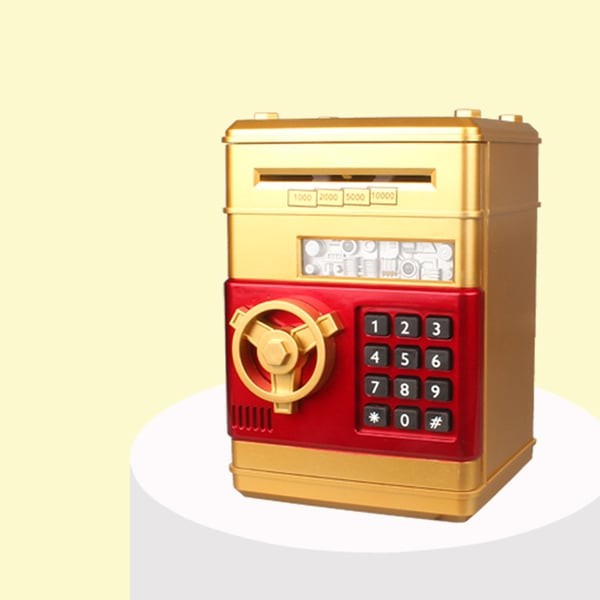
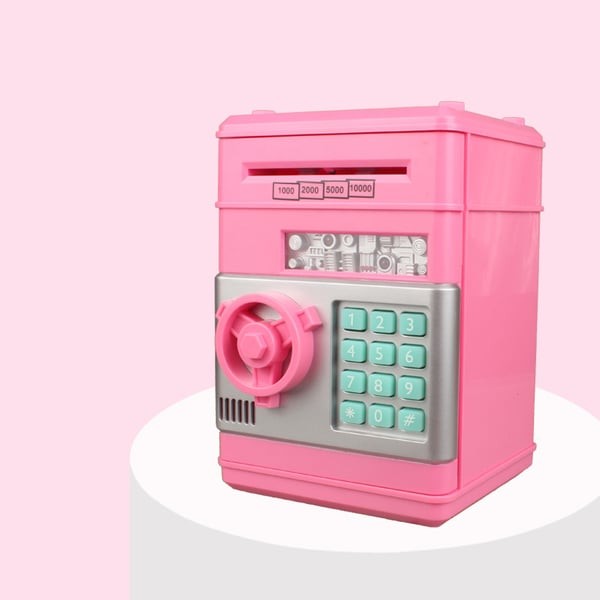
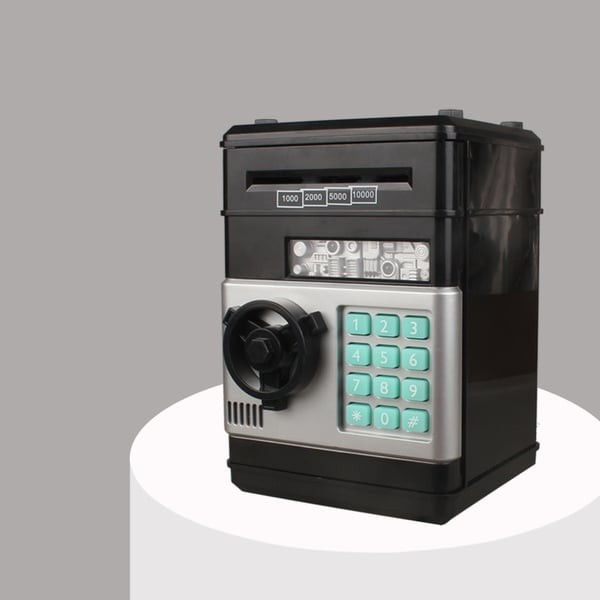
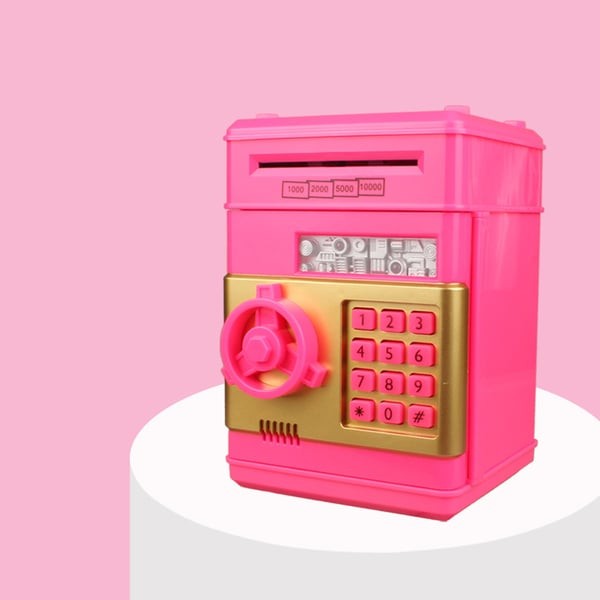
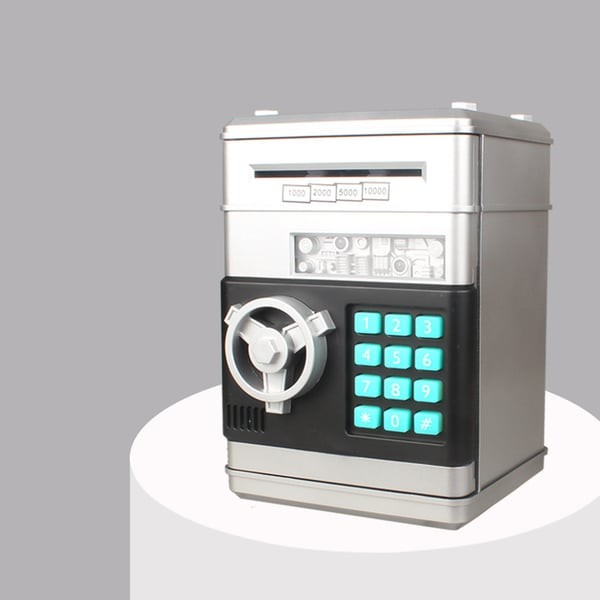
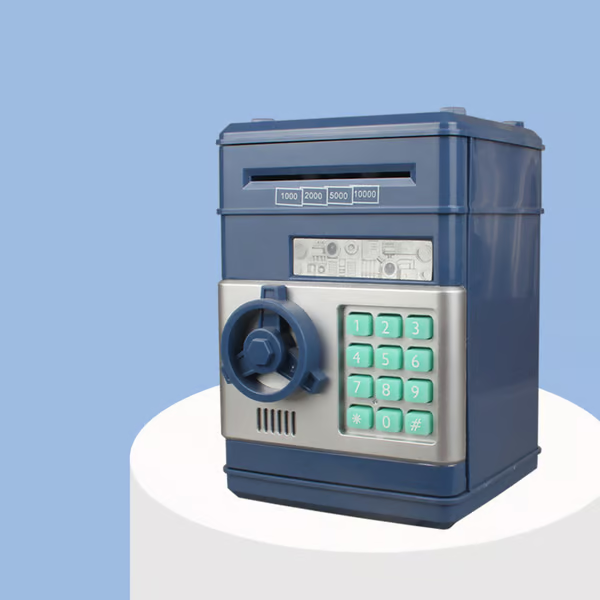
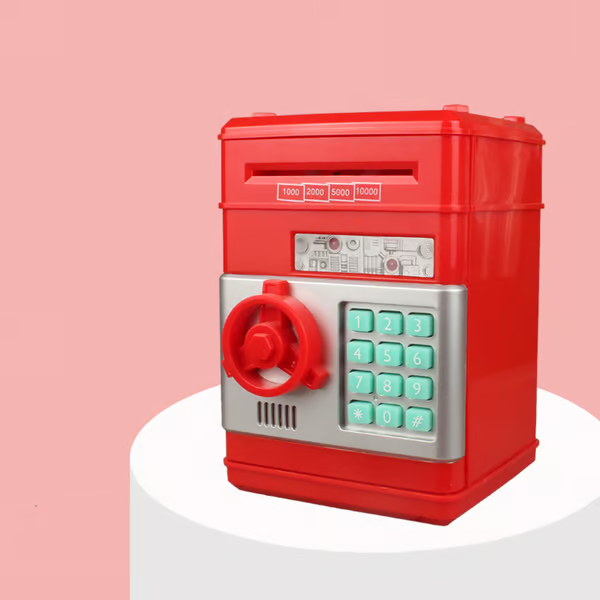
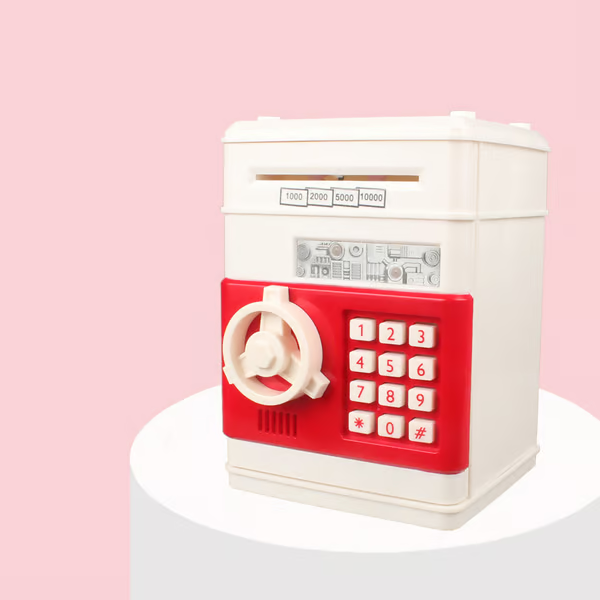
Electronic Password Piggy Bank - Mini ATM
$47.99 NZD
Approx $27.98 USD
Description:
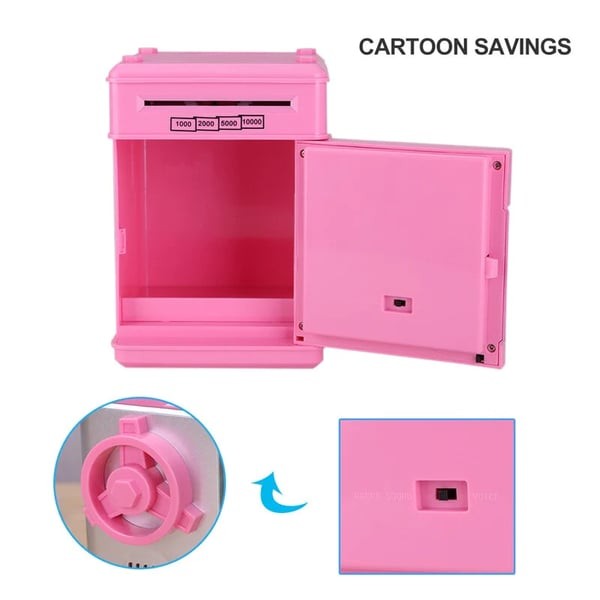
"My own money box" is guarding my things.Enjoy Savings with your Electronic Piggy Bank Lots of Room – The money box is portable (5.2 x 5.4 x 19.2″), but with a roomy interior. You can even store some other treasures in the inside to keep them safe.
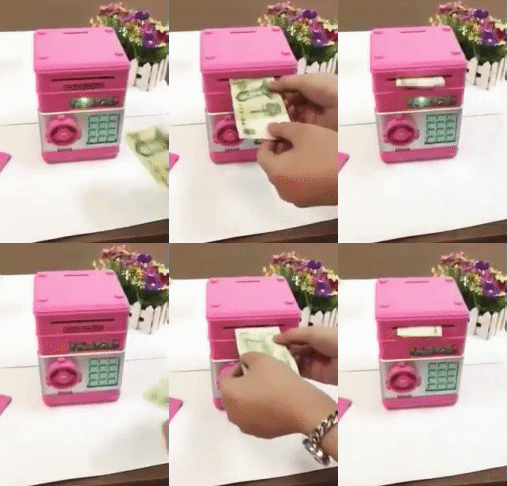
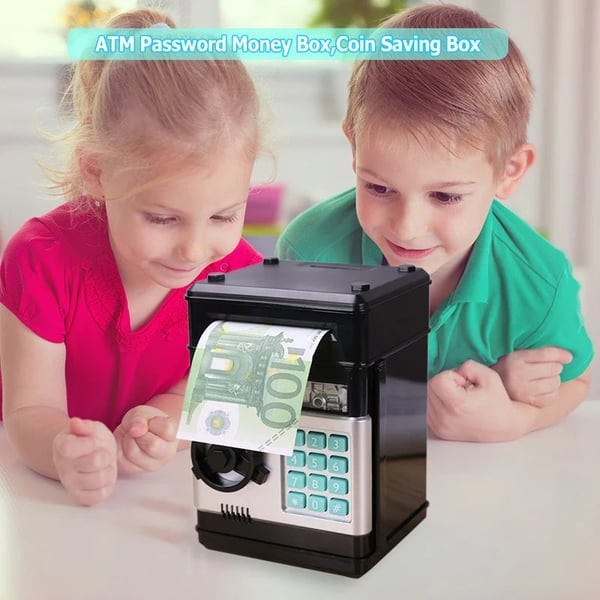
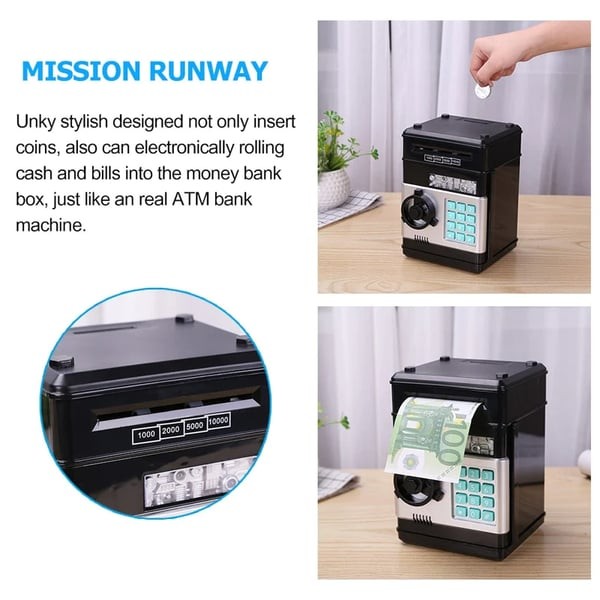
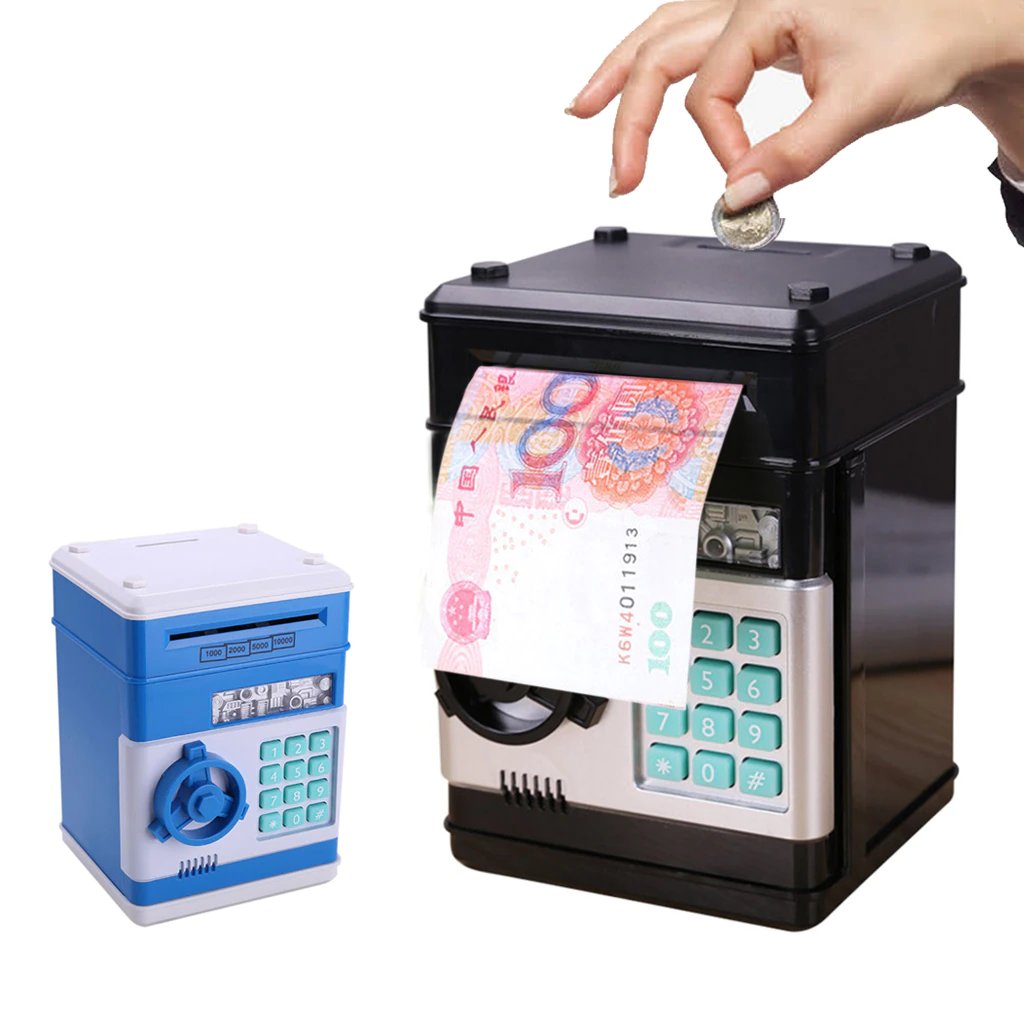
Features: 2 in 1 function: money saving box and password safe box. A unique bank that will not only help your kids save money, but also provide lots of fun! Two sound switchable: beeps sound and voice prompt. Automatic Rolling Banknote: Put your paper money into the roll slot, and it will automatically roll the money into the box.
There is also a coin slot the top of the box that provided to save all kinds of coins.
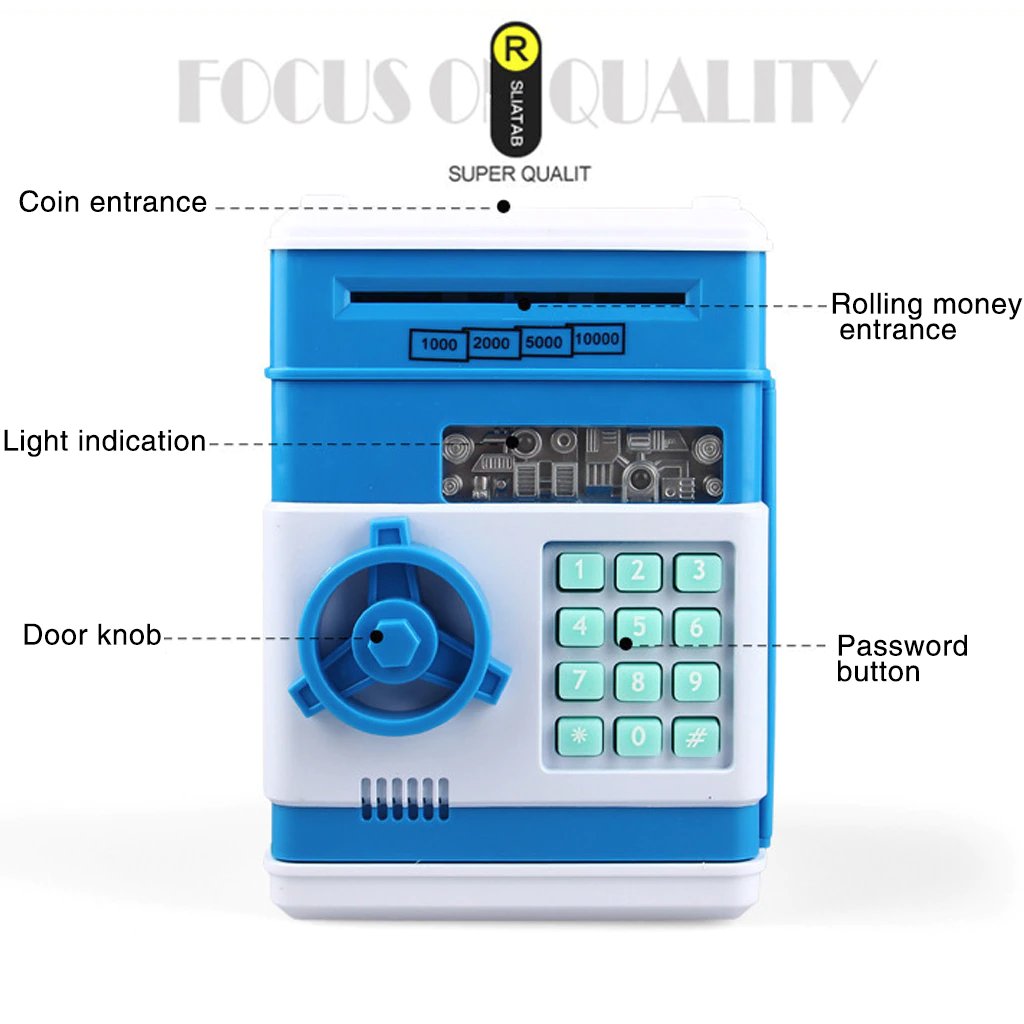
It looks like a toy; it's a small coffer for financial management. With your own password and voice, you can save money, set up savings goals, and plan finances.
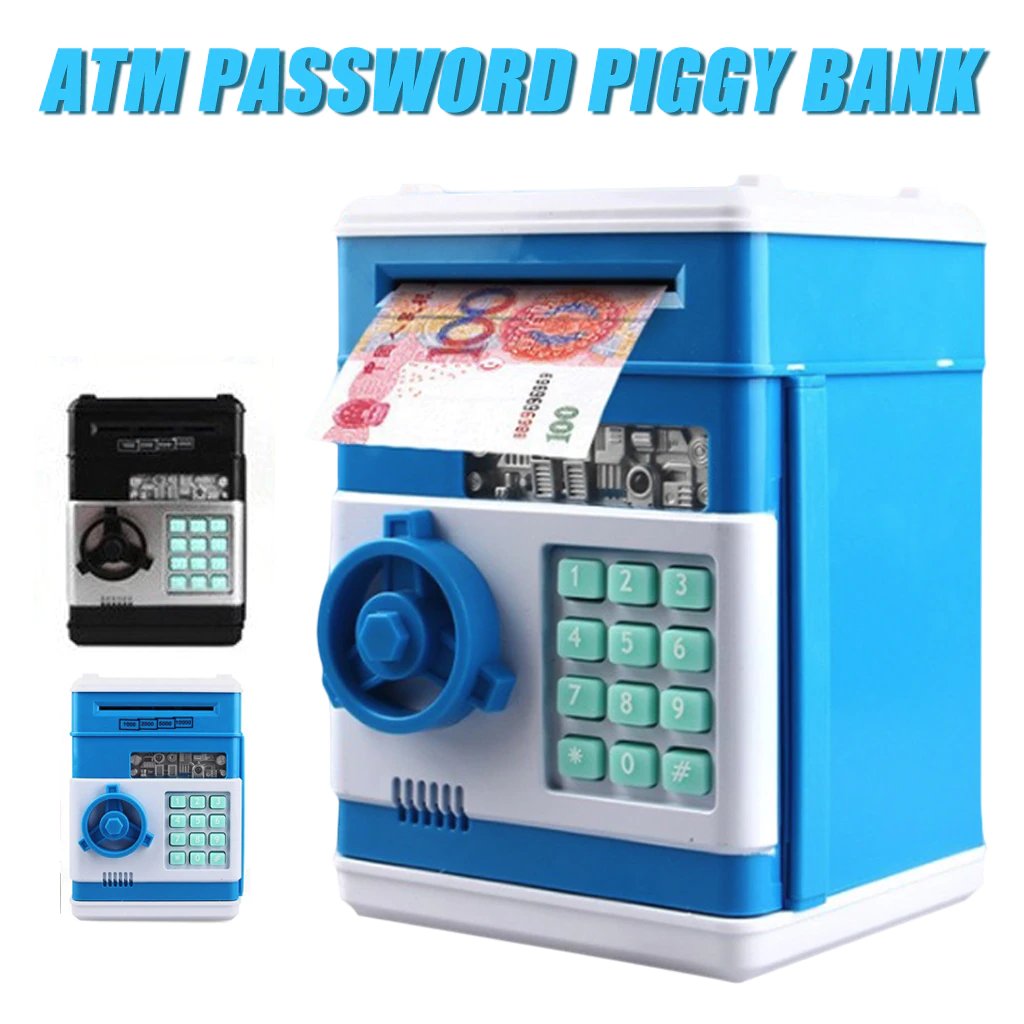
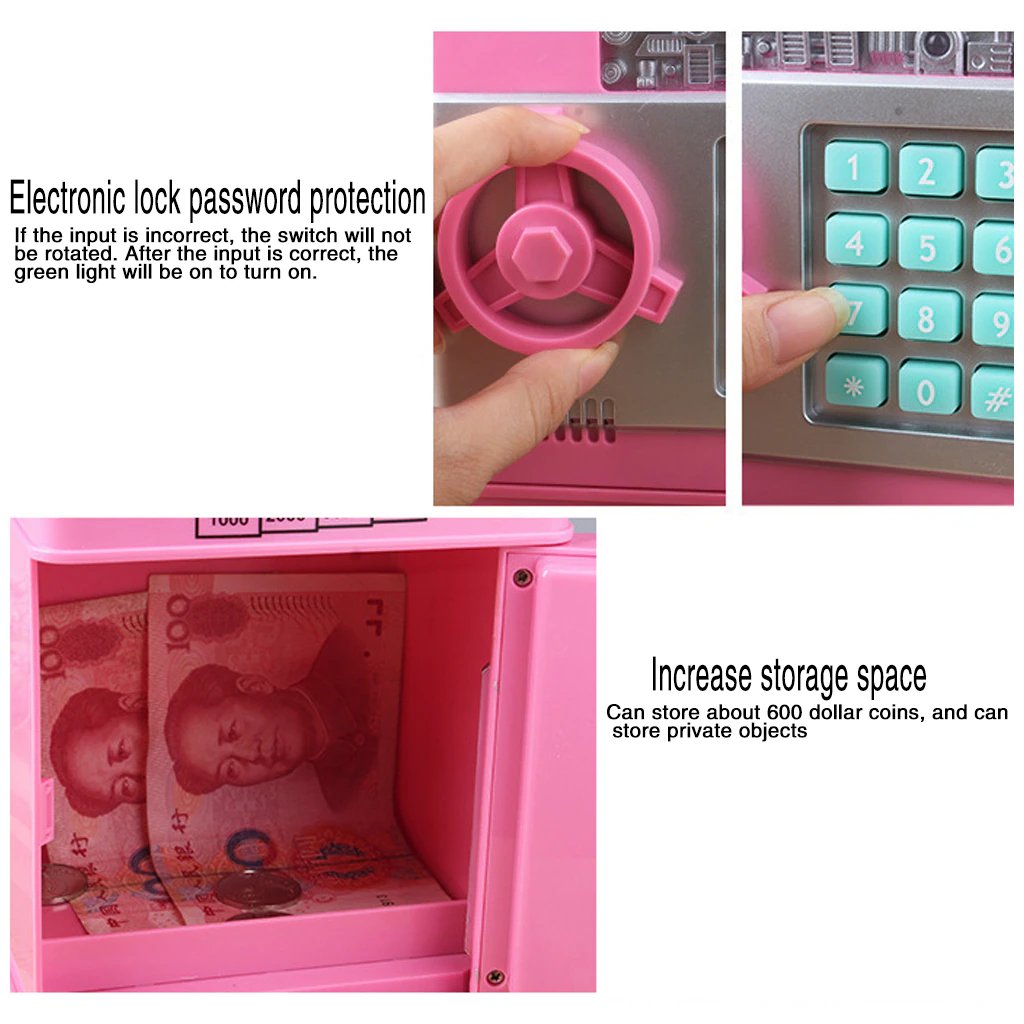
It can be used to store toys, jewelry, passbook, etc. It takes both notes and coins. Holds up to 100 bills and 600 coins.
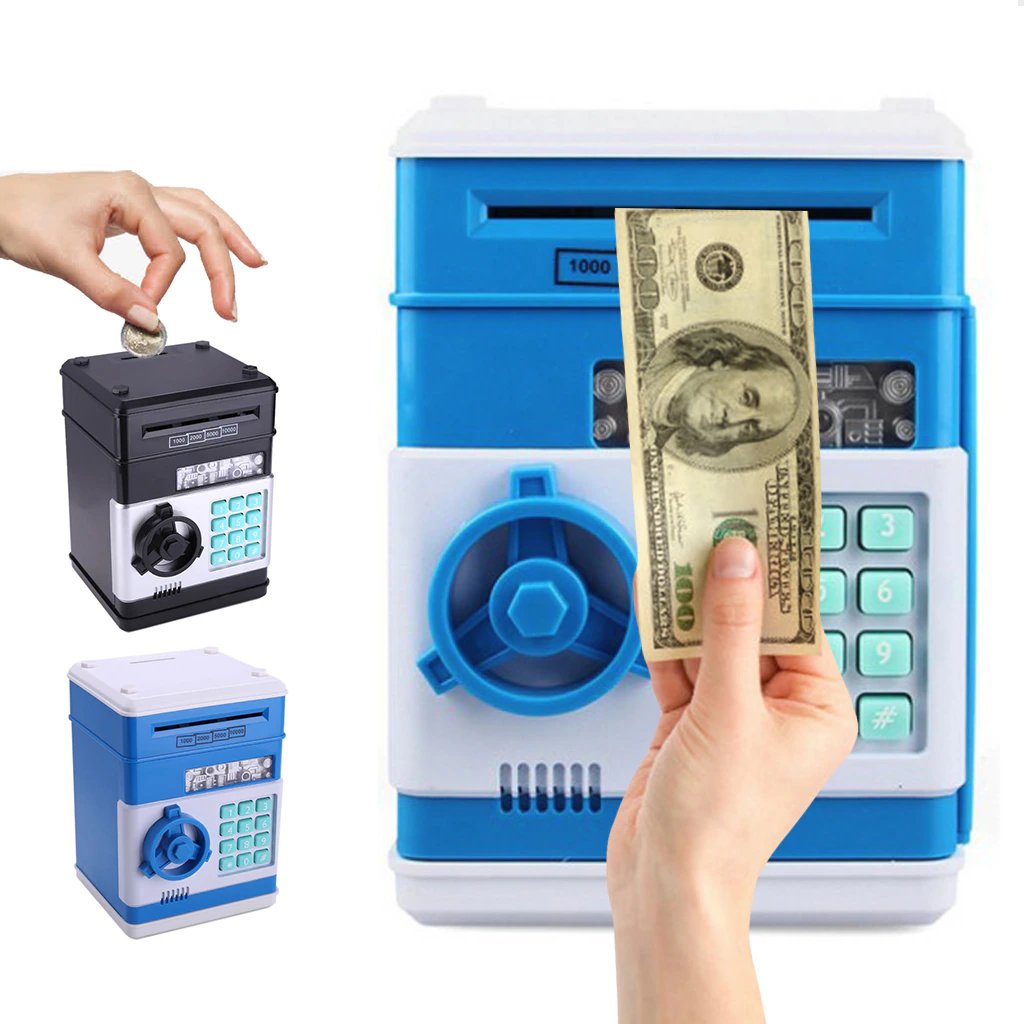
How to use:
1. Install your ordinary 3 AA batteries. Enter the four-digit passwords (default 0000);
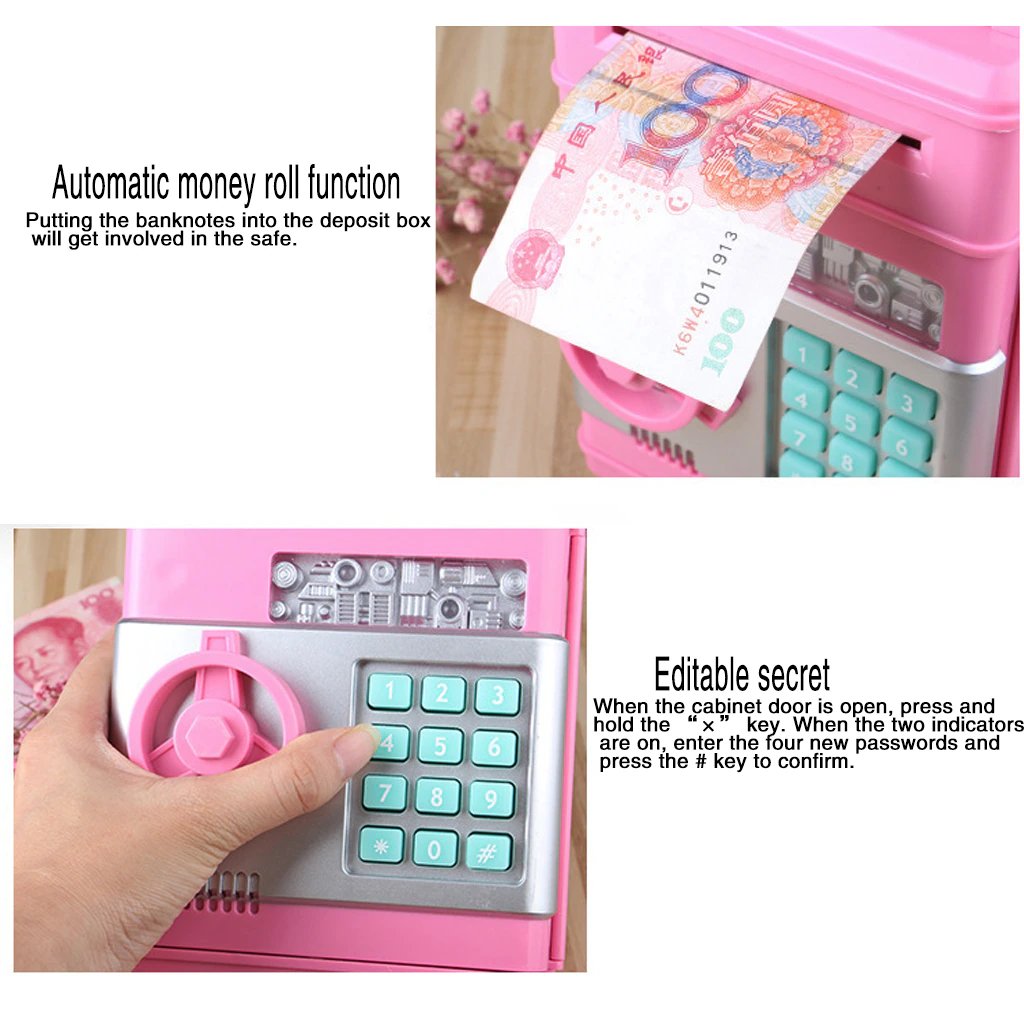
2. Green lights on; rotate the knob clockwise to open the door.
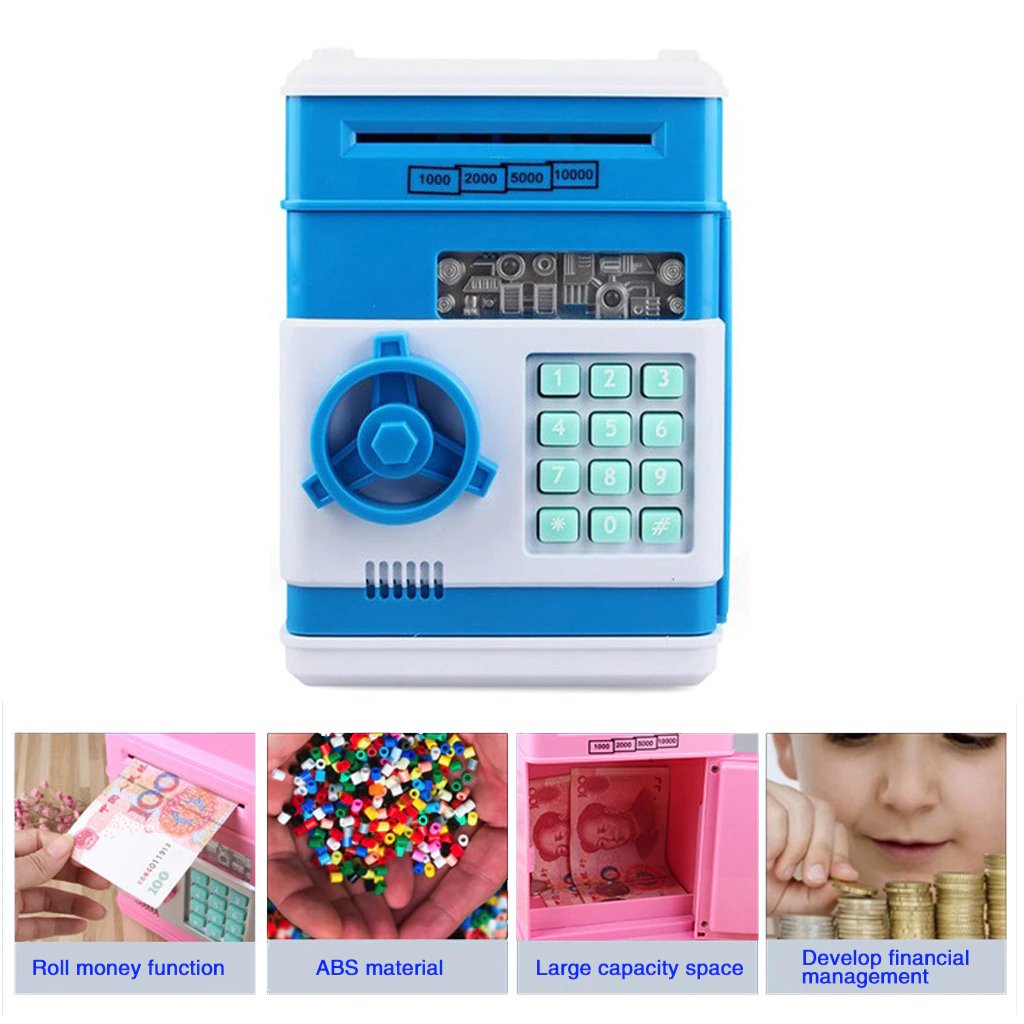
Note: If you enter the wrong passwords, the red light will be illuminated
Specifications:
Material: PLASTIC
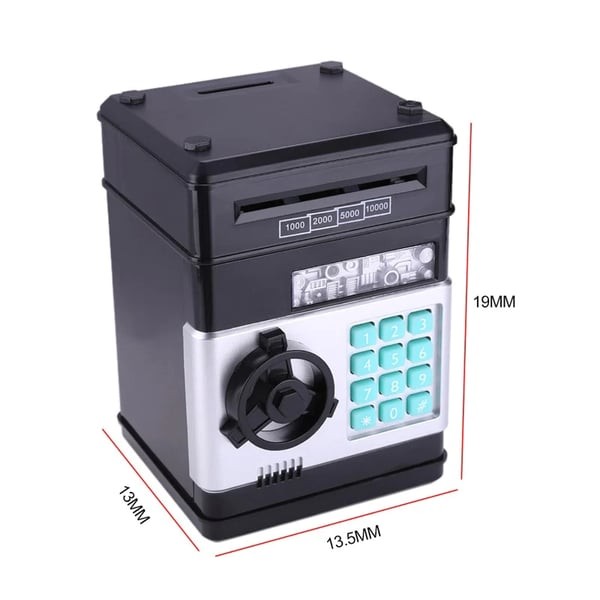
Commodity size: 13.5x12x19 CM
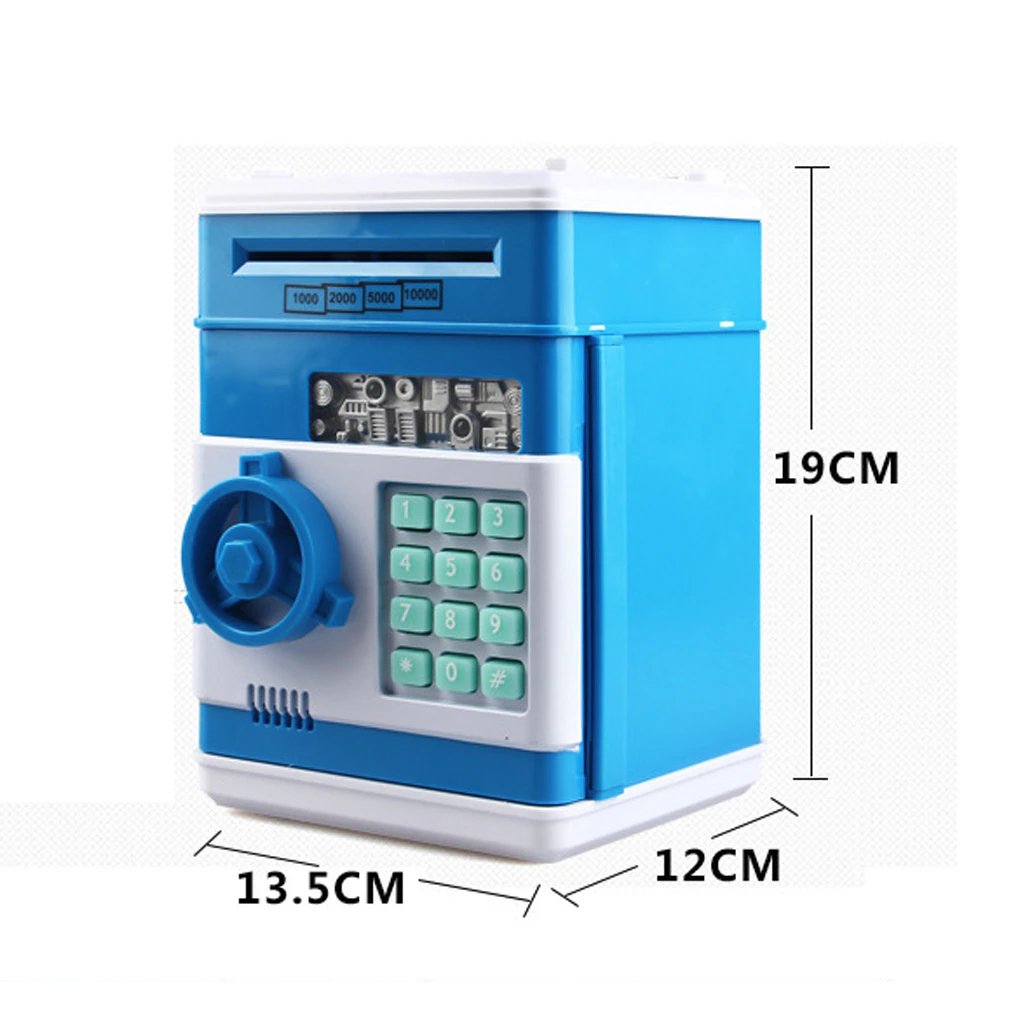
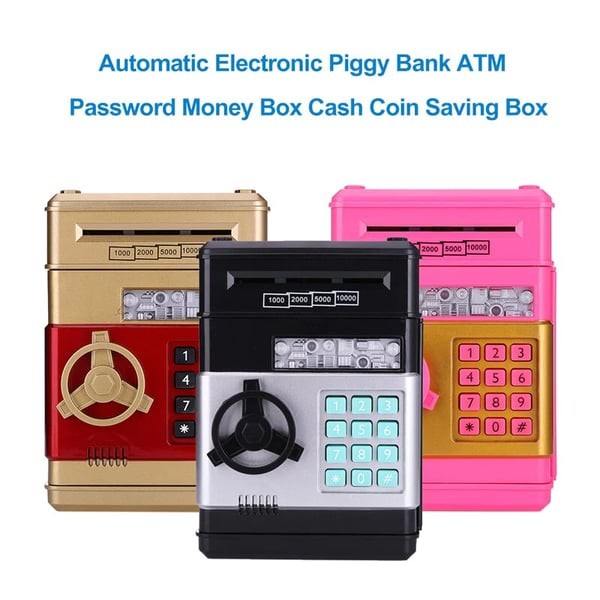
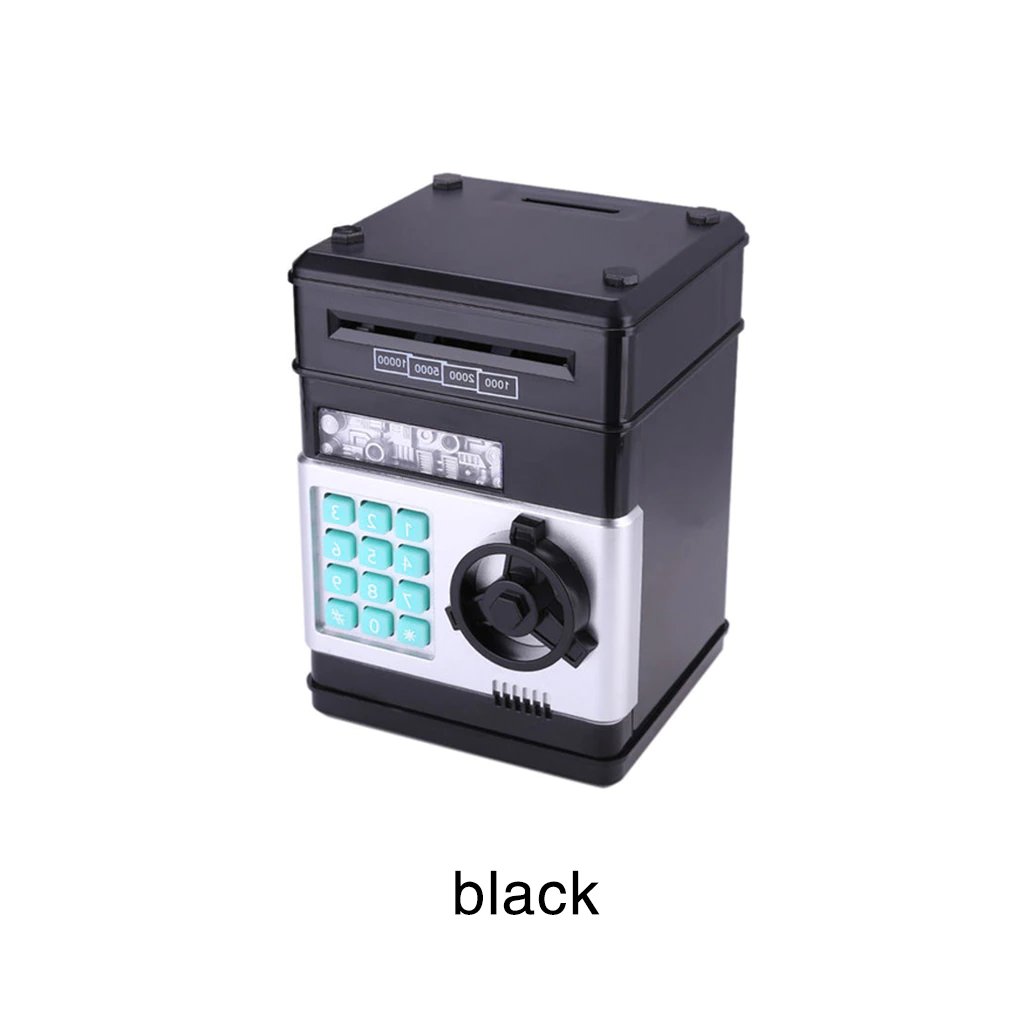
Color: gold,blue,silver,red,rose Red,Pink,grey/blue,White,black
Powered only by: 3*AA battery(not included)
Notes:
1. Due to the different monitor and light effects, the actual item color might be slightly different from the color shown in the pictures. Thank you!
2. Please allow a 1-3 cm measuring deviation due to manual measurement.
Package included:
1 x Money Box
Usage:
1. Please use a new battery recommended for the size and specification required for the money box
2. Do not mix new and used batteries.
3. Do not mix with other batteries; you can not use alkaline batteries.
4. Periodically check the battery after years of usage because the chemicals leaked from batteries can damage electronic parts.
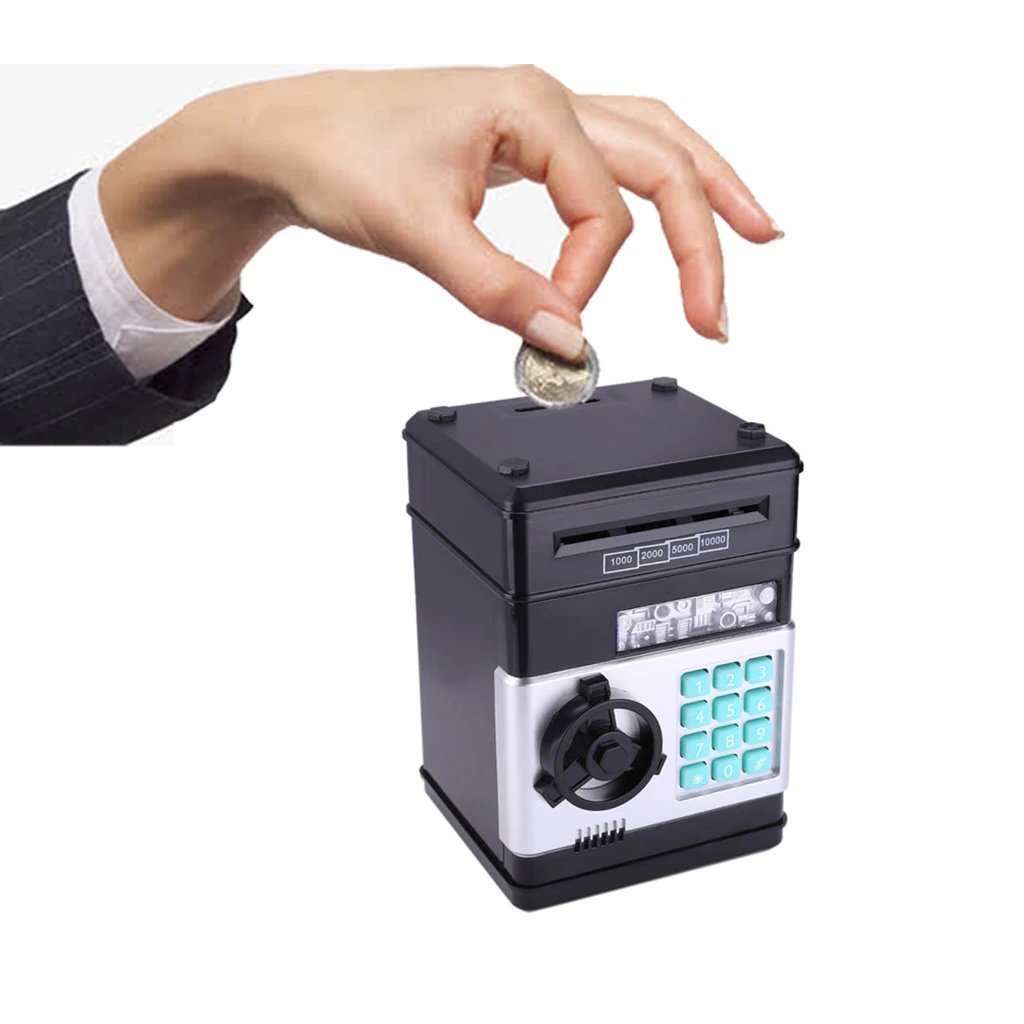
Product instructions:
1. Install your ordinary 3 AA batteries. Enter the four-digit passwords (default 0000);
2. Green lights on; rotate the knob clockwise to open the door.
Note: If you enter the wrong passwords, the red light will be illuminated and remind you, "please try again."
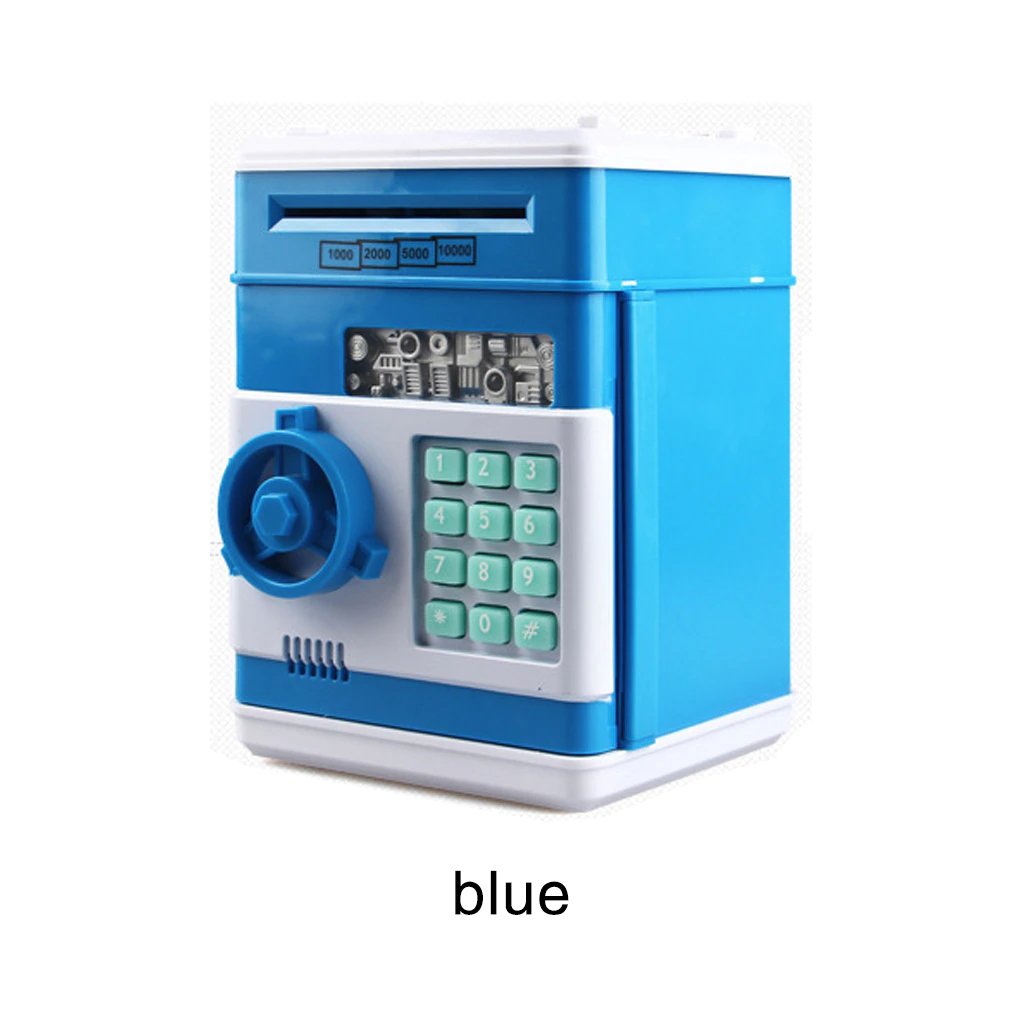 The Electronic
Password Piggy Bank - Mini ATM is an innovative, interactive savings solution that encourages children to develop good financial habits.
Featuring secure password protection, realistic ATM functions, and interactive sound effects, this electronic piggy bank makes saving money
fun and engaging. Perfect for kids and teenagers alike, this mini ATM provides an educational and entertaining way to learn about managing
money securely and responsibly.
The Electronic
Password Piggy Bank - Mini ATM is an innovative, interactive savings solution that encourages children to develop good financial habits.
Featuring secure password protection, realistic ATM functions, and interactive sound effects, this electronic piggy bank makes saving money
fun and engaging. Perfect for kids and teenagers alike, this mini ATM provides an educational and entertaining way to learn about managing
money securely and responsibly.
Realistic ATM Experience for Kids
With the Electronic Password Piggy Bank - Mini ATM, kids experience the excitement of using their own personal ATM. They can securely deposit cash and coins, set a personalized numeric password, and access their savings easily. Interactive sound effects and keypad entry provide a realistic banking experience, motivating children to save money regularly and responsibly.
Secure Password Protection
The built-in password feature ensures that your child’s savings remain safe and secure. Kids can create and reset their own personalized password, teaching them responsibility and privacy while keeping their money safe. This feature provides peace of mind for both parents and children, making saving money secure and worry-free.
Encourages Financial Responsibility
This electronic piggy bank is more than just a toy—it’s an educational tool designed to teach kids the importance of saving and financial management. By encouraging regular saving habits, children learn the value of money and gain a greater understanding of financial responsibility from an early age.
Easy to Use and Durable
The Electronic Password Piggy Bank - Mini ATM is user-friendly and built to withstand everyday use by children. With a sturdy, durable construction, this mini ATM can handle frequent deposits and withdrawals, ensuring long-lasting enjoyment. The intuitive design allows kids to easily deposit and retrieve their savings while having fun.
Fun Gift for Kids and Teens
Whether for birthdays, holidays, or as a reward, the Electronic Password Piggy Bank - Mini ATM makes an excellent gift choice. Its combination of educational value, fun interaction, and secure functionality makes it an ideal present for kids who want to learn more about money management while enjoying their own private ATM.
Features & Benefits:
- Secure Password Protection: Allows kids to set their own numeric password, keeping their savings secure.
-
Realistic ATM Functions: Provides a realistic ATM experience with interactive sound effects, keypad, and money management.
- Educational Tool: Teaches children essential financial skills, money management, and saving habits.
- Coin & Cash Deposits: Accepts coins and paper money, offering a realistic banking experience.
- Durable Construction: Sturdy and built to last, suitable for everyday use by kids and teenagers.
- Great Gift Idea: A thoughtful and educational gift for birthdays, holidays, or special occasions.
Why Choose the Electronic Password Piggy Bank - Mini ATM?
The Electronic Password Piggy Bank - Mini ATM is a fantastic way to introduce kids to the world of saving and money management. With secure password protection, realistic ATM functions, and educational benefits, this electronic piggy bank provides kids with both security and entertainment. It's the perfect way to encourage responsible money management, helping children develop essential financial skills in a fun and interactive way.
Care Instructions:
To maintain your Electronic Password Piggy Bank - Mini ATM:
- Regularly wipe the exterior with a clean, soft cloth.
- Keep away from water or moisture.
- Change batteries periodically to ensure optimal performance.
- Store in a dry place to prevent damage.
How to change password:
1. Enter the current password (default 0000) to open the safe door. Press the "*" button, green light, and red flash.
2. Input 4 new passwords in 15 seconds, according to the "#" confirm new password storage. Two lights stop flashing.
3. If the new password is not entered in 15 seconds, the program will stop and must be restarted. Release the "*" button and close the door.
Note: If you forget your password, you can remove the battery and Install the battery after 5 minutes; the password returns to the original code: 0000, then you can reset your password again.